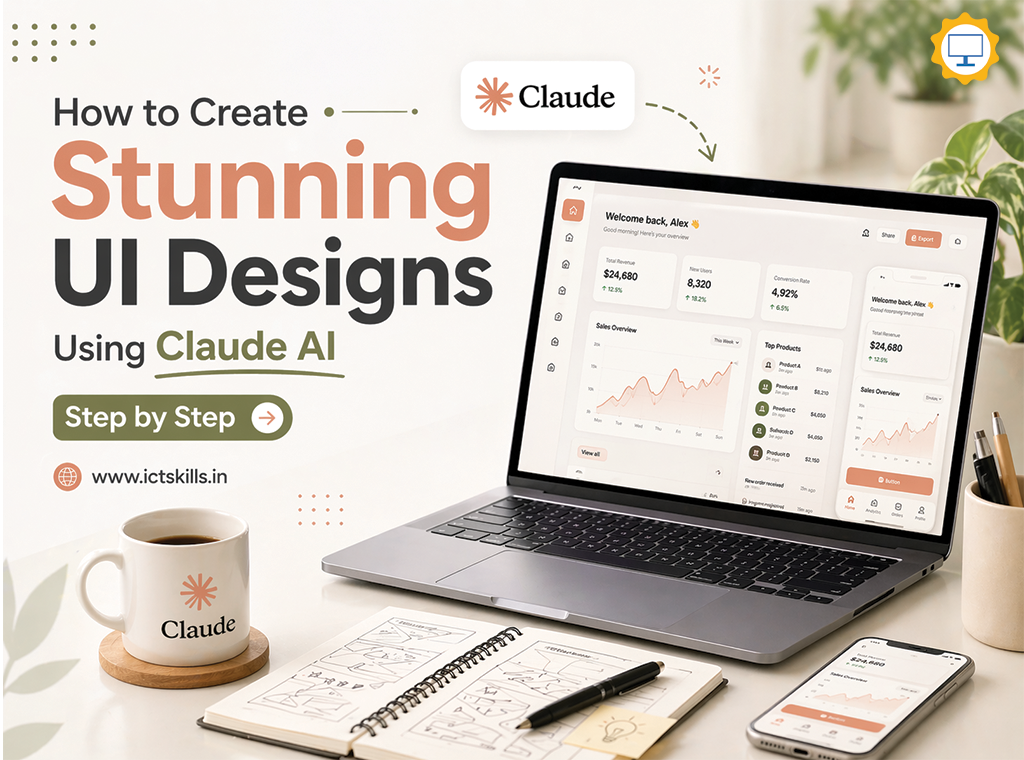
How to create stunning UI Designs using Claude AI?
The world of UI/UX design is evolving faster than ever. What once took days of wireframing, prototyping, and iteration can now be done in minutes using artificial intelligence.
Today, tools powered by AI especially Claude are transforming how designers think, create, and ship interfaces.
Instead of starting with a blank canvas, you can now:
- Generate UI layouts from text prompts
- Create design systems instantly
- Build responsive designs without coding
Modern AI UI generators can transform text, sketches, or even URLs into high-fidelity designs in seconds, dramatically speeding up the design workflow.
But here’s the truth most beginners miss:
👉 AI doesn’t replace designers, it amplifies them.
This guide will show you step-by-step how to use Claude AI to create stunning, professional UI designs, while keeping a human-centered approach.
🚀 Step 1: Understand What Makes a “Stunning UI”
Before jumping into Claude AI, you need clarity.
A great UI is not just about visuals.
It includes:
- Usability
- Accessibility
- Visual hierarchy
- Consistency
- User flow
Many AI-generated designs look attractive but fail in usability because they ignore user journeys and logic.
💡 Key Insight:
A beautiful UI without good UX is just decoration.
🧠 Step 2: Define Your Design Goal Clearly
Claude AI works best when your input is clear.
Instead of saying:
❌ “Create a dashboard UI”
Say:
✅ “Create a fintech dashboard UI with dark theme, analytics charts, sidebar navigation, and KPI cards”
AI UI tools interpret prompts and generate layouts based on your description, including structure, colors, and components.

🎯 Pro Tip:
Use this structure for prompts:
[App Type] + [Target Users] + [Features] + [Style] + [Color Theme]
Example:
“Design a modern SaaS dashboard for startups with clean typography, pastel colors, analytics graphs, and minimal layout”
✍️ Step 3: Use Claude AI for UI Ideation
Claude AI is especially powerful in:
- Structuring layouts
- Suggesting UX improvements
- Generating HTML/CSS UI
🧩 What to Ask Claude:
- “Generate a UI layout for…”
- “Suggest UX improvements for…”
- “Create a design system for…”
Claude helps in ideation and structuring, which are critical early design phases.
Research shows AI supports designers by:
- Generating alternatives
- Enhancing creativity
- Speeding up ideation
🎨 Step 4: Generate Your First UI Design
Now let’s create a UI.
Example Prompt:
Create a modern landing page UI for an online learning platform with:
– Hero section with CTA
– Course cards grid
– Testimonials section
– Clean typography
– Blue and white color palette
🎯 Output You’ll Get:
- Layout structure
- Section breakdown
- UI components
- Styling suggestions
Some AI tools even generate production-ready UI code instantly, reducing development time significantly.
🔁 Step 5: Iterate Like a Pro (Most Important Step)
This is where real design happens.
Don’t accept the first output.
Instead:
- Refine prompts
- Ask for variations
- Improve sections
Example:
“Make it more minimal”
“Improve spacing and typography”
“Add micro-interactions”
AI allows unlimited iterations instantly, eliminating creative blocks and speeding up design refinement.
🧱 Step 6: Create a Design System
One of the biggest mistakes:
👉 Designing screens without consistency
Ask Claude:
Create a design system including:
– Typography scale
– Color palette
– Spacing system
– Button styles
Why It Matters:
Consistency improves usability and professionalism.
Advanced workflows even integrate AI with design systems to ensure brand consistency across screens .
🔄 Step 7: Convert UI into Real Designs (Figma or Code)
Claude gives structure—but you need tools to finalize design.
Recommended Workflow:
AI platforms can export designs into Figma or production-ready HTML/React code, bridging the gap between design and development.
🧑💻 Step 8: Focus on User Experience (UX)
Here’s where human thinking matters most.
AI can generate screens…
But YOU must design experiences.
Ask Yourself:
- Is navigation intuitive?
- Are actions clear?
- Does it solve a real problem?
⚠️ Common AI UI Mistakes:
- Generic layouts
- Poor user flow
- Overuse of gradients
- Lack of consistency
Many designers report AI designs feeling “generic” unless prompts are detailed and structured.
🧪 Step 9: Test and Improve
Even AI-generated UI needs testing.
Methods:
- User feedback
- A/B testing
- Usability testing
AI can assist, but real users validate design.
🧠 Step 10: Human + AI = Best Results
The future of UI design is not AI alone.
It’s collaboration.
Research shows the best results come when:
- AI handles generation
- Humans handle creativity and logic
🔥 Advanced Tips to Create Stunning UI with Claude AI
- Use Inspiration + AI Together
Study great designs before prompting.
- Extract Design Systems
Instead of copying UI, extract:
- Colors
- Typography
- Layout patterns
- Be Extremely Specific
More detail = better results
- Think Like a Product Designer
Focus on:
- User journey
- Business goals
🌍 Real-World Applications
Using Claude AI, you can design:
- SaaS dashboards
- E-commerce websites
- Mobile apps
- Landing pages
- Admin panels
AI tools enable creating complete UI designs from ideas without prior design skills, making design more accessible.
📈 Benefits of Using Claude AI for UI Design
⚡ Speed
Design in minutes instead of days
💡 Creativity
Generate multiple ideas instantly
💰 Cost-effective
Reduce dependency on large design teams
🔄 Iteration
Unlimited variations
⚠️ Limitations You Should Know
Claude AI is powerful—but not perfect.
❌ Limitations:
- Doesn’t fully understand user behavior
- Can produce repetitive designs
- Needs human validation
🎯 Final Thoughts
Claude AI is not just a tool—it’s a creative partner.
It allows you to:
- Think faster
- Design smarter
- Build better products
But the real magic happens when you combine:
👉 AI efficiency + Human creativity
📢 Conclusion
Creating stunning UI designs using Claude AI is no longer a futuristic concept—it’s a present-day advantage.
If you follow this step-by-step approach:
- Define clear goals
- Use structured prompts
- Iterate continuously
- Focus on UX
- Validate with users
You can design interfaces that are not only beautiful—but meaningful.
🚀 Want to Learn More?
Explore more AI, UI/UX, and tech skills at:
👉 https://www.ictskills.in/ OR Call us: 9499569596
You may also like
Top 5 AI & ML Skills Every IT Student Must Learn in 2026
How to Become a Python Master in 2026?